FULCRUM · Point of sale for game stores
Your counter moves fast.
A POS built for video game and card stores.
Buy a collection. Sell a console. Take a preorder. Fulcrum brings the everyday work of a video game and trading card store together, from the trade counter to Shopify.
The collection is on the counter.
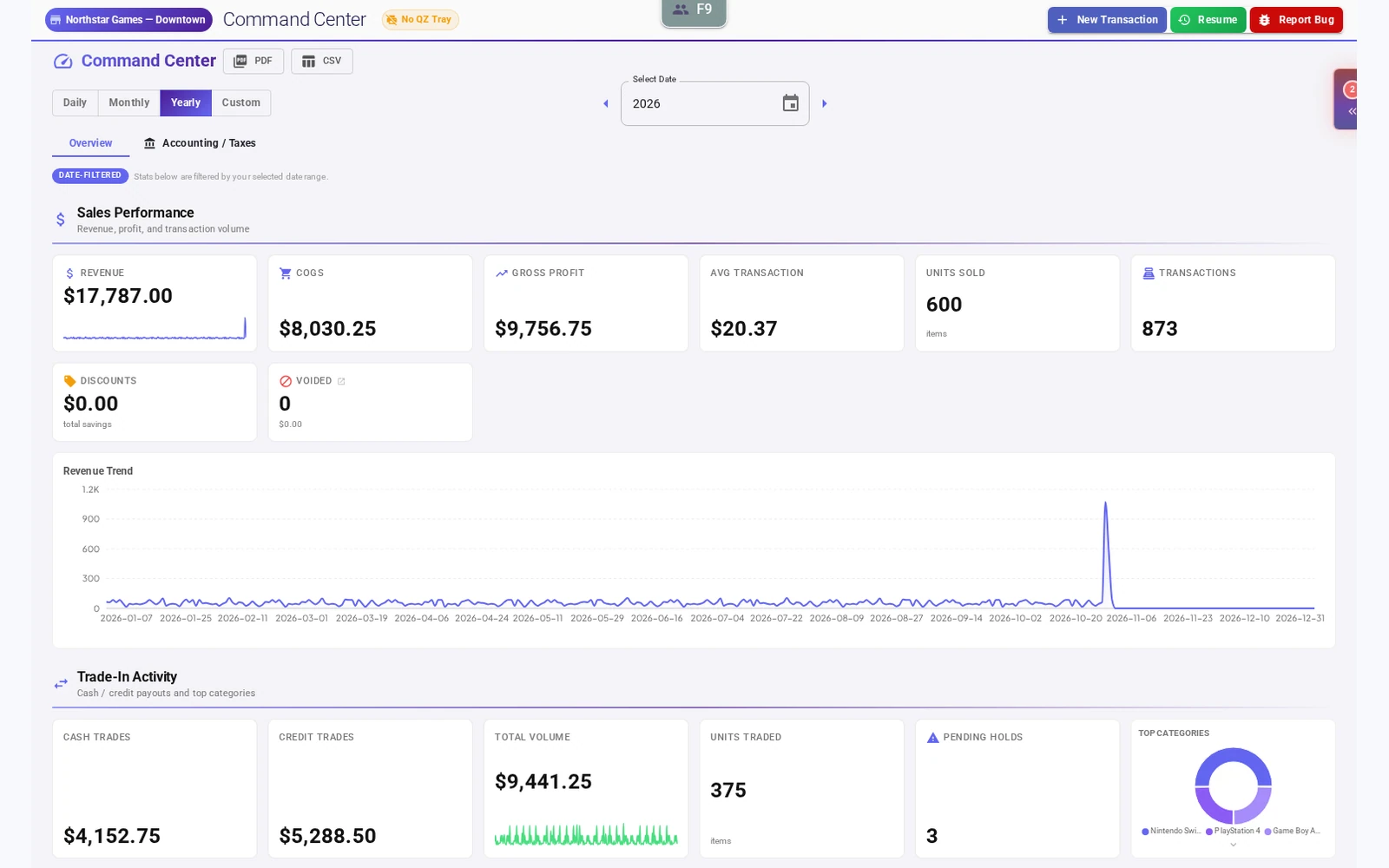
Make the next offer with context.
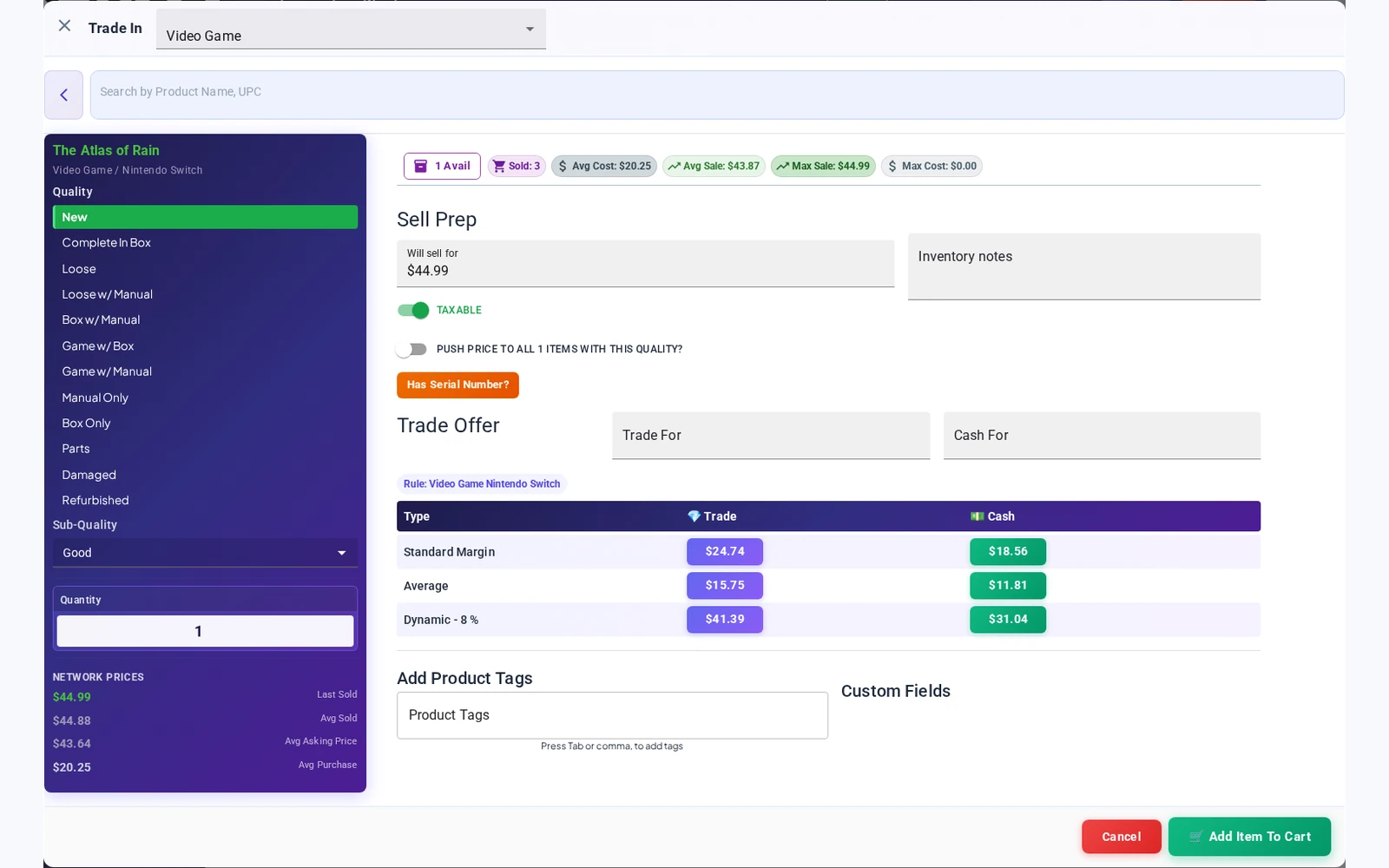
Find the product, choose its condition and review cash and store-credit offers. Put pricing references, available history and your store’s trade percentages in the same conversation.
Buy. Sell. Trade.
Keep the whole visit together.
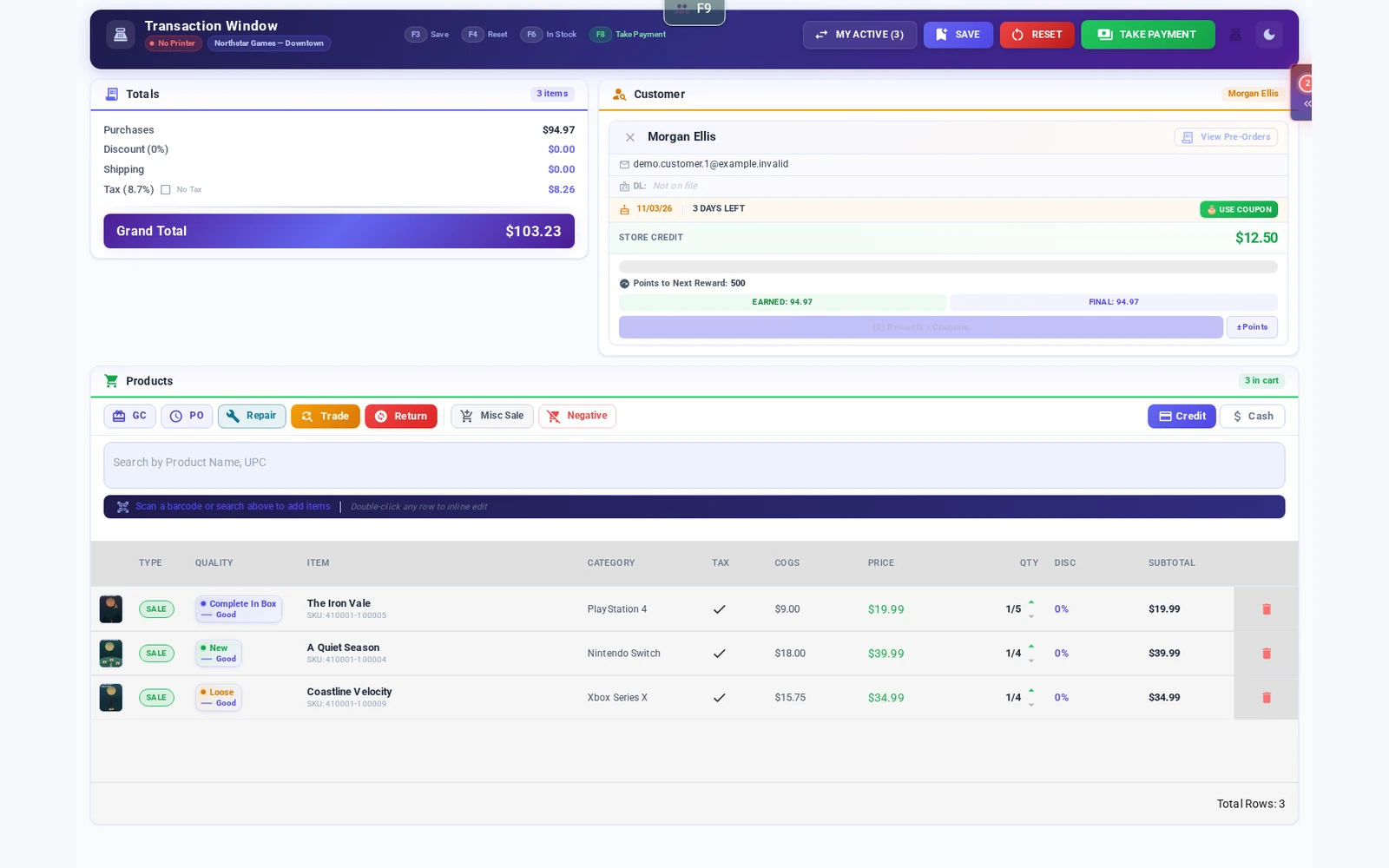
A trade-in can become a purchase before the customer leaves the counter. Work through sale items, trade credit and payment choices in one transaction workflow.
Square processing fees and hardware costs may apply.
Built around the counter
One visit can be a buy, a sale and a trade.
Your customer brings in a stack of games and leaves with something from the case. Your team needs a clear way to value the trade, apply store credit and finish the purchase. Fulcrum puts those steps into the transaction workflow.
Explore the transaction flowExample workflow
A collection comes across the counter
- Find the product and record its condition.
- Review the trade offer with the customer.
- Apply the agreed credit to their purchase.
- Complete the transaction and manage the incoming stock.
Illustrative steps. See the workflow on your own product mix during a demo.
More of the day, in one place
The work behind a well-run game store.
Sales that handle the whole visit
Scan barcodes and work through purchases, trade-ins, store credit and payment choices with the customer in front of you.
See counter salesFast search. A large catalog. Condition in view.
Find products quickly by name or barcode in a large catalog. Keep product identity, condition and trade offers together, while your team makes the final buying decision.
Explore catalog and inventory tools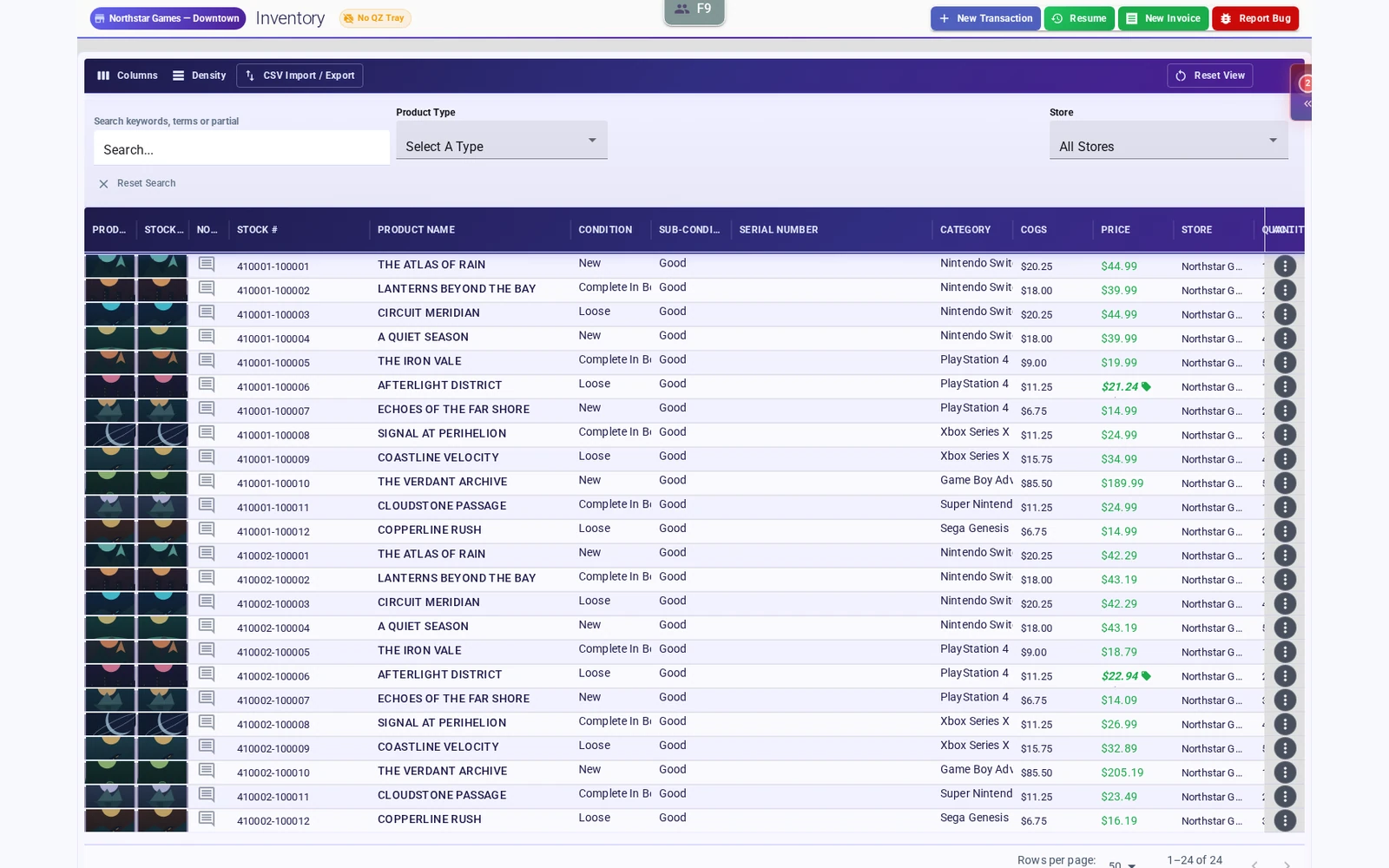
At the trade counter
Trade-in pricing, with context
Search a large product catalog, choose the condition and review cash and store-credit offers in the trade window. Use pricing references, available history and your store’s percentages to support the buying decision.
Explore trade-in pricingTrade percentages that fit your store
Use price-threshold and stock-level rules to guide cash and store-credit offers. Staff review the calculation and choose the offer to apply.
Explore dynamic trade percentages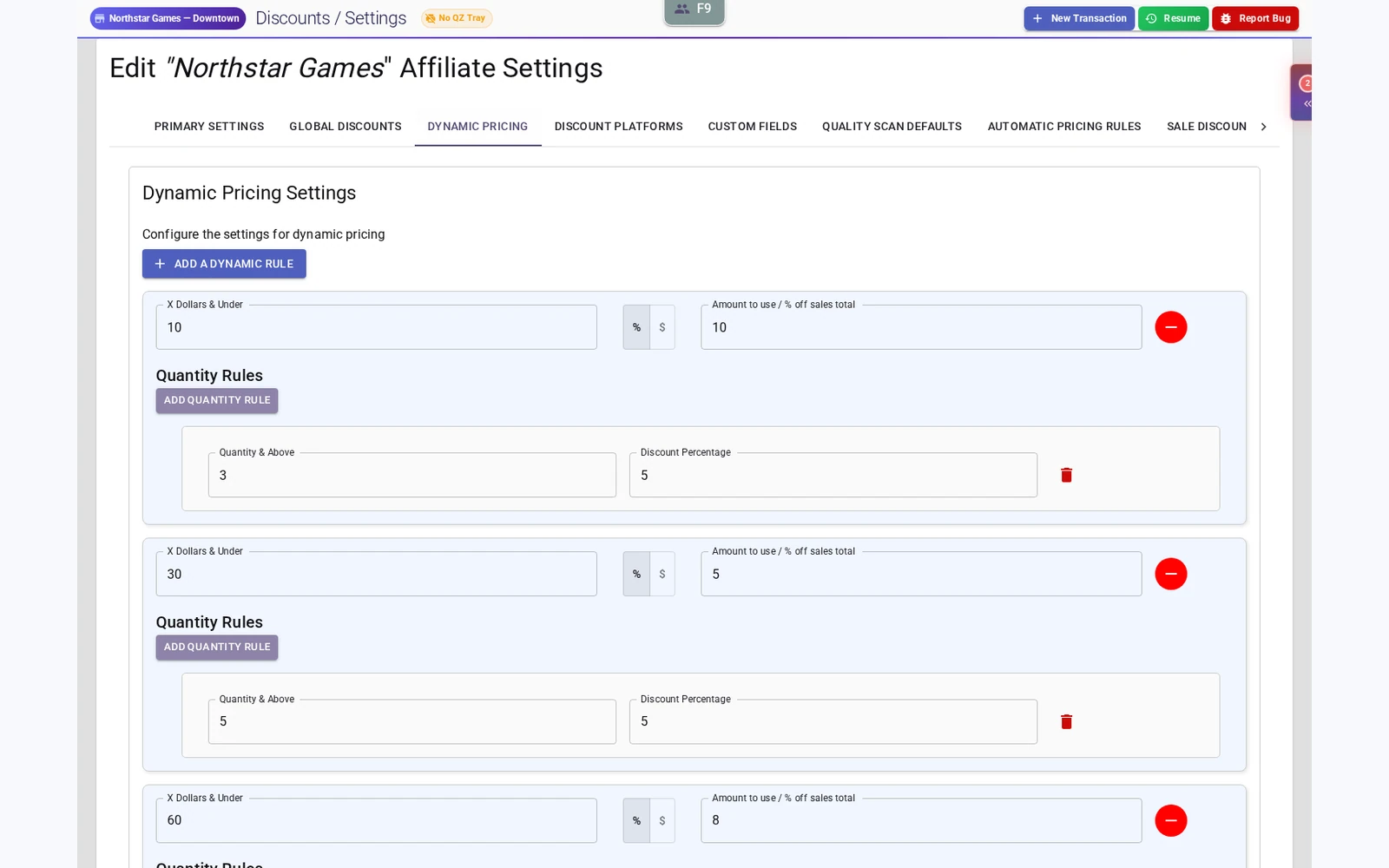
A store that sells online
Connect your Fulcrum operation with Shopify. Walk through product, inventory and online order handling before choosing your setup.
Explore Shopify integration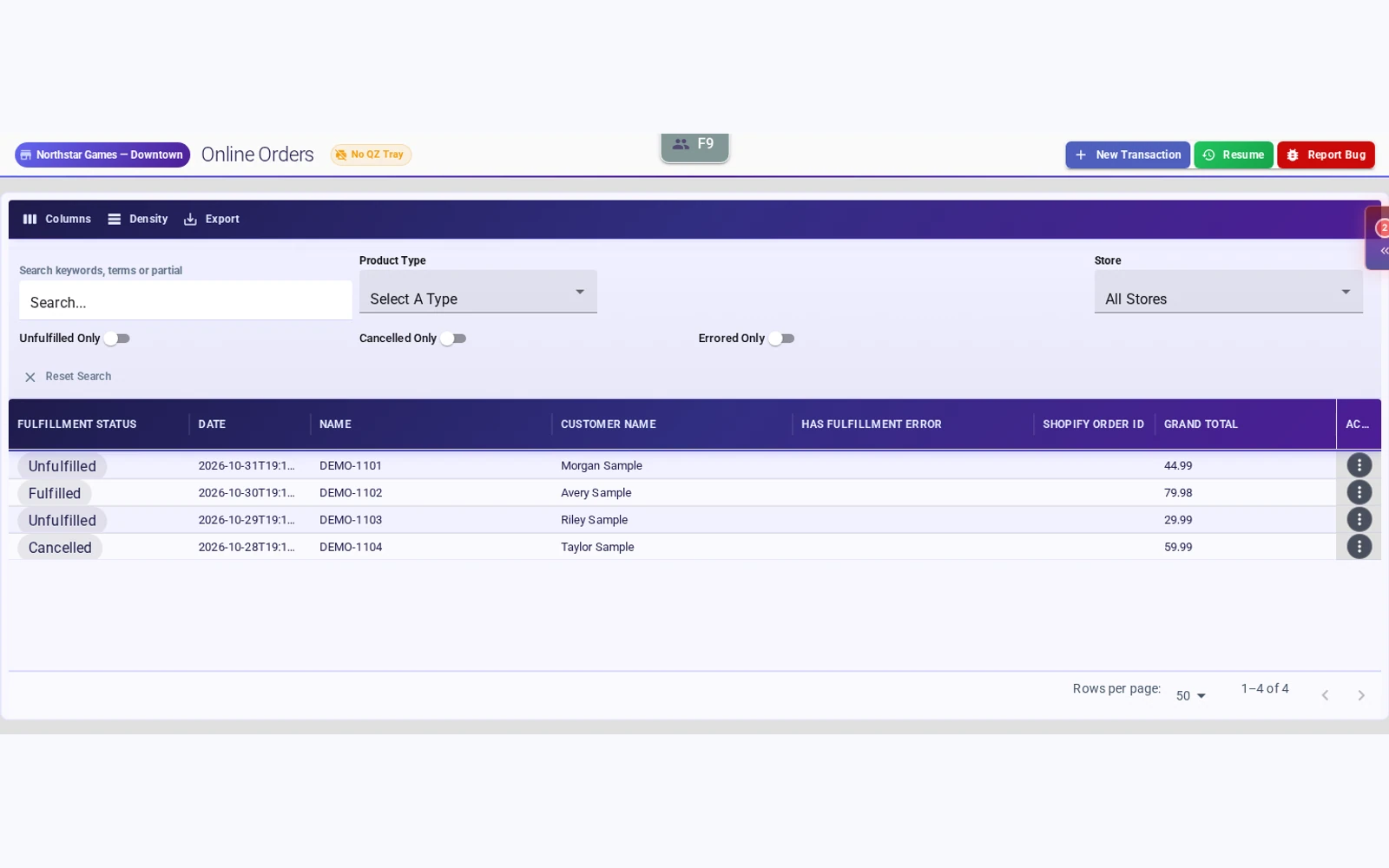
Square Terminal at the counter
Connect your Square account and send in-person card payments to a paired terminal from your Fulcrum checkout.
Explore Square Terminal integration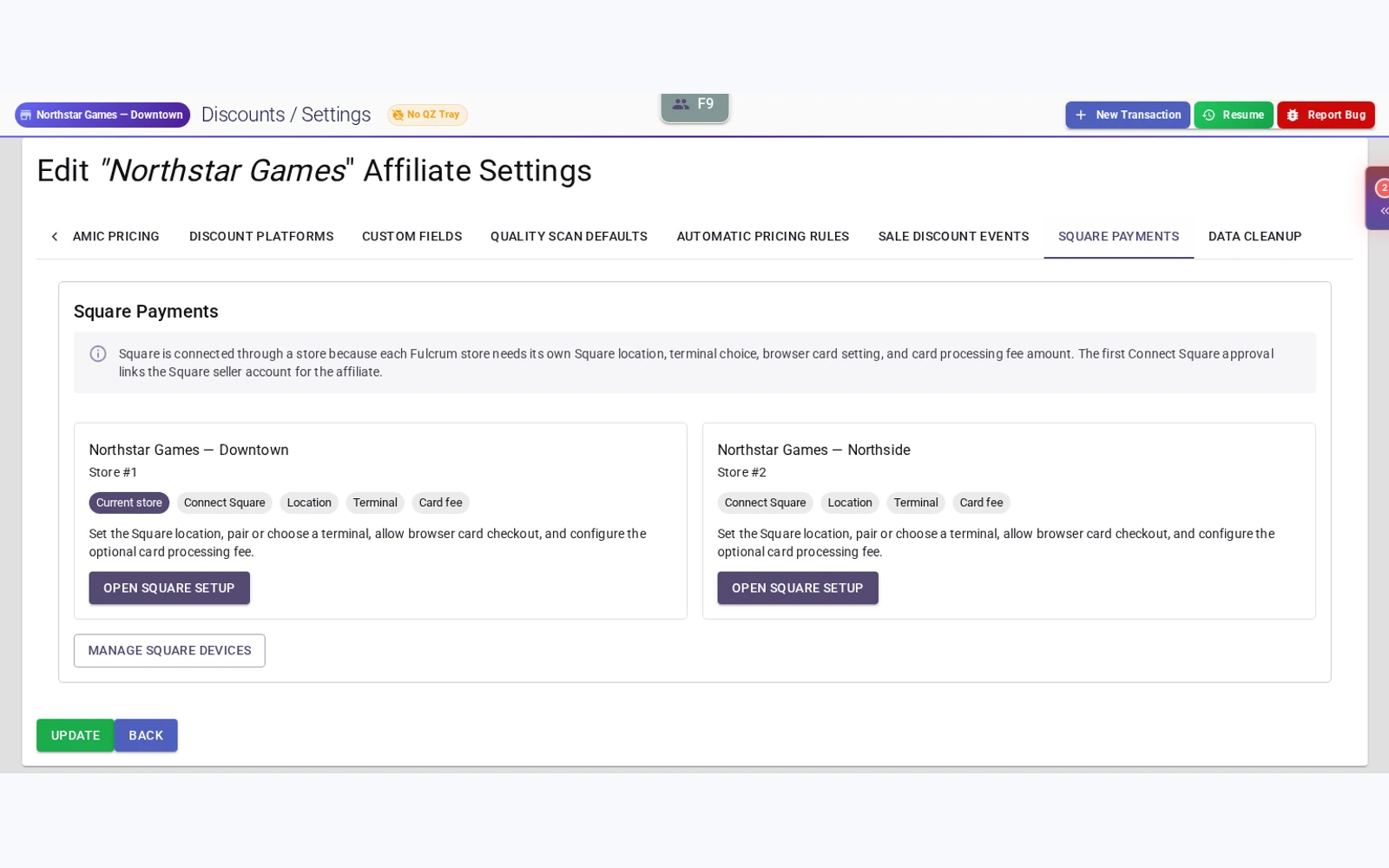
Repairs from estimate to completion
Build estimates, track parts and labor, and keep repair tickets organized so your team can follow the job beyond intake.
See repair management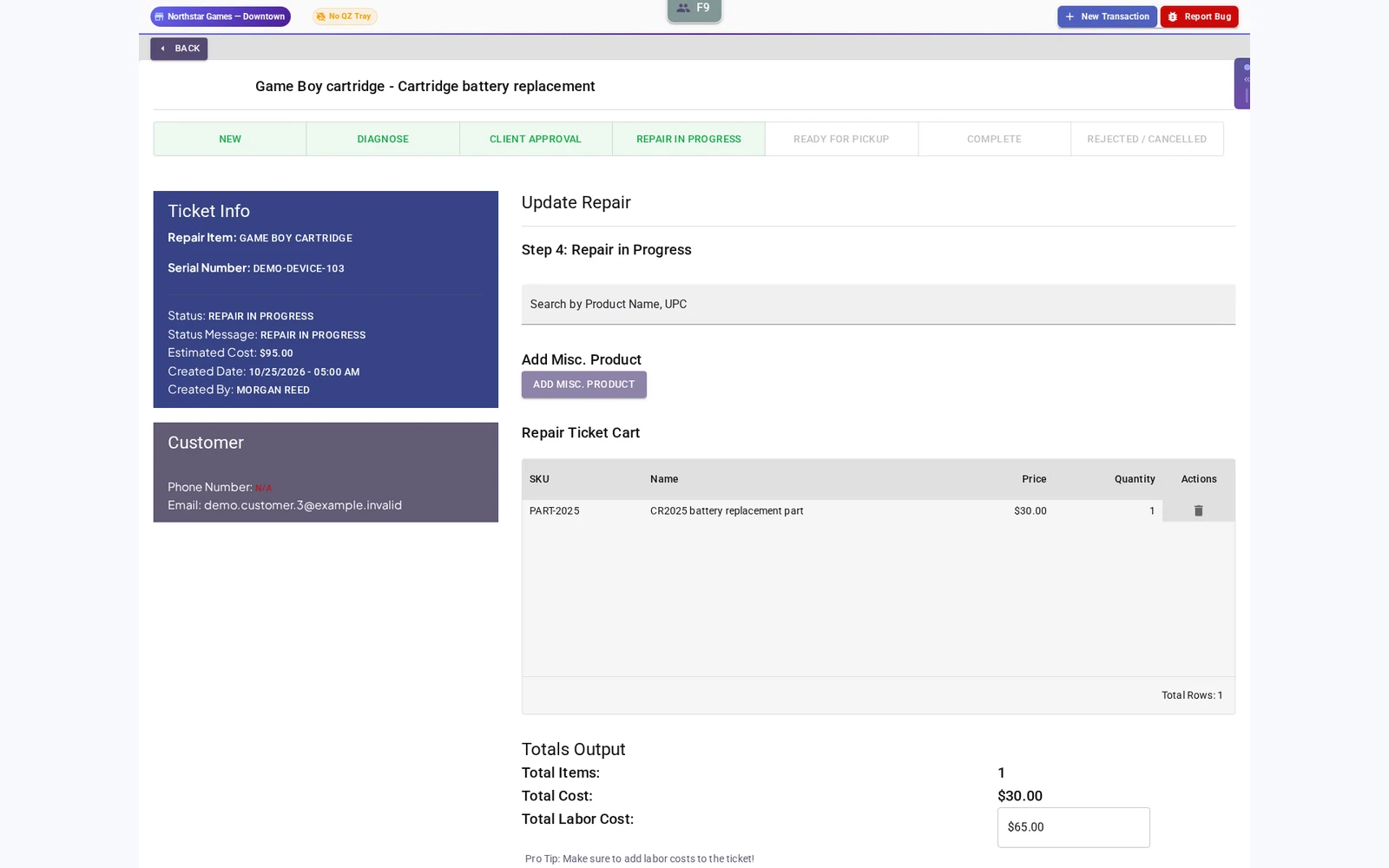
Your rewards. Their next visit.
Customize point thresholds and rewards, offer birthday coupons with your own offer window, and keep customer store credit and history close to checkout.
Explore loyalty and birthday coupons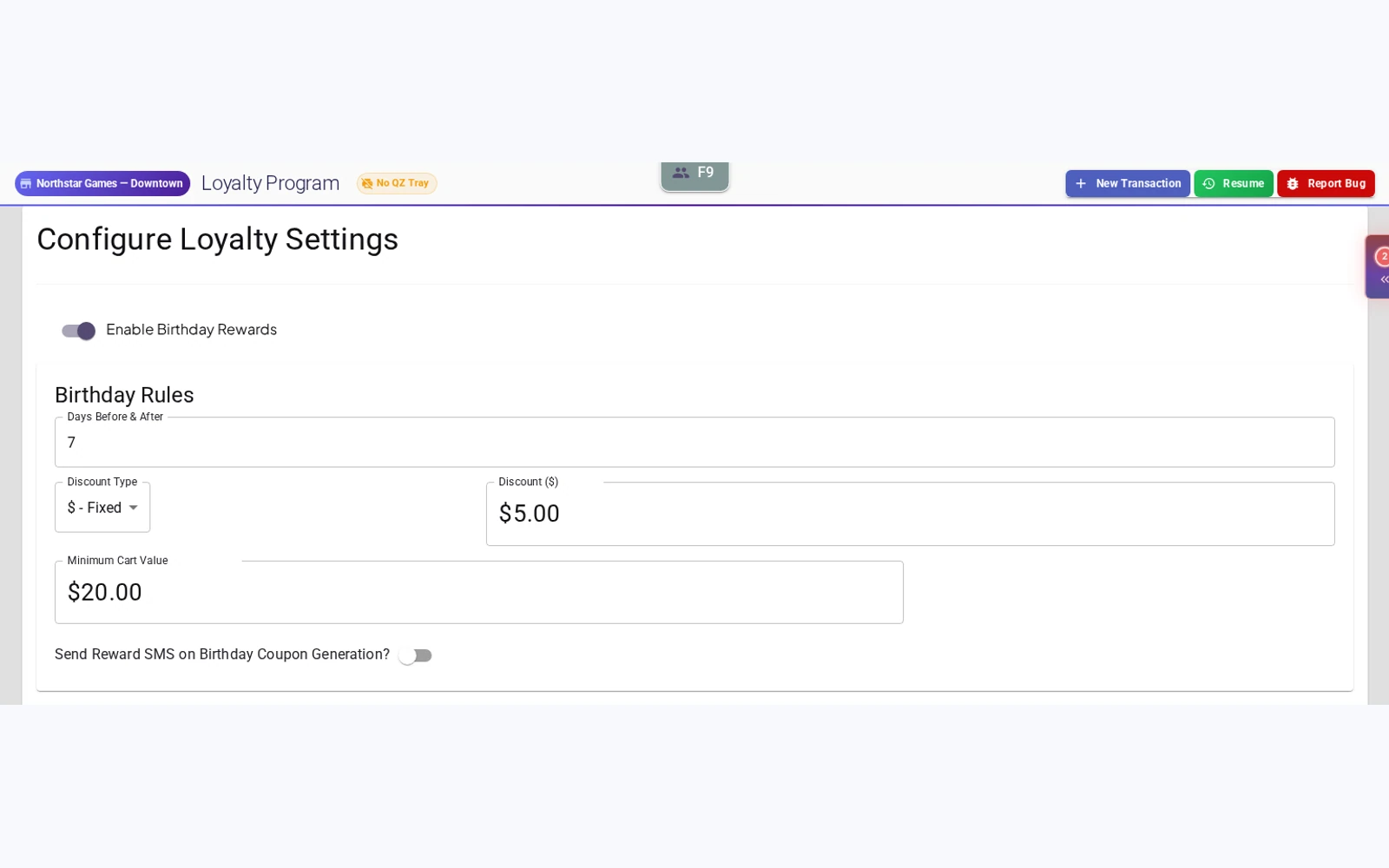
Room for your next location
Manage multiple stores, move inventory between locations and keep an organization-wide view of the business.
Explore multi-store administration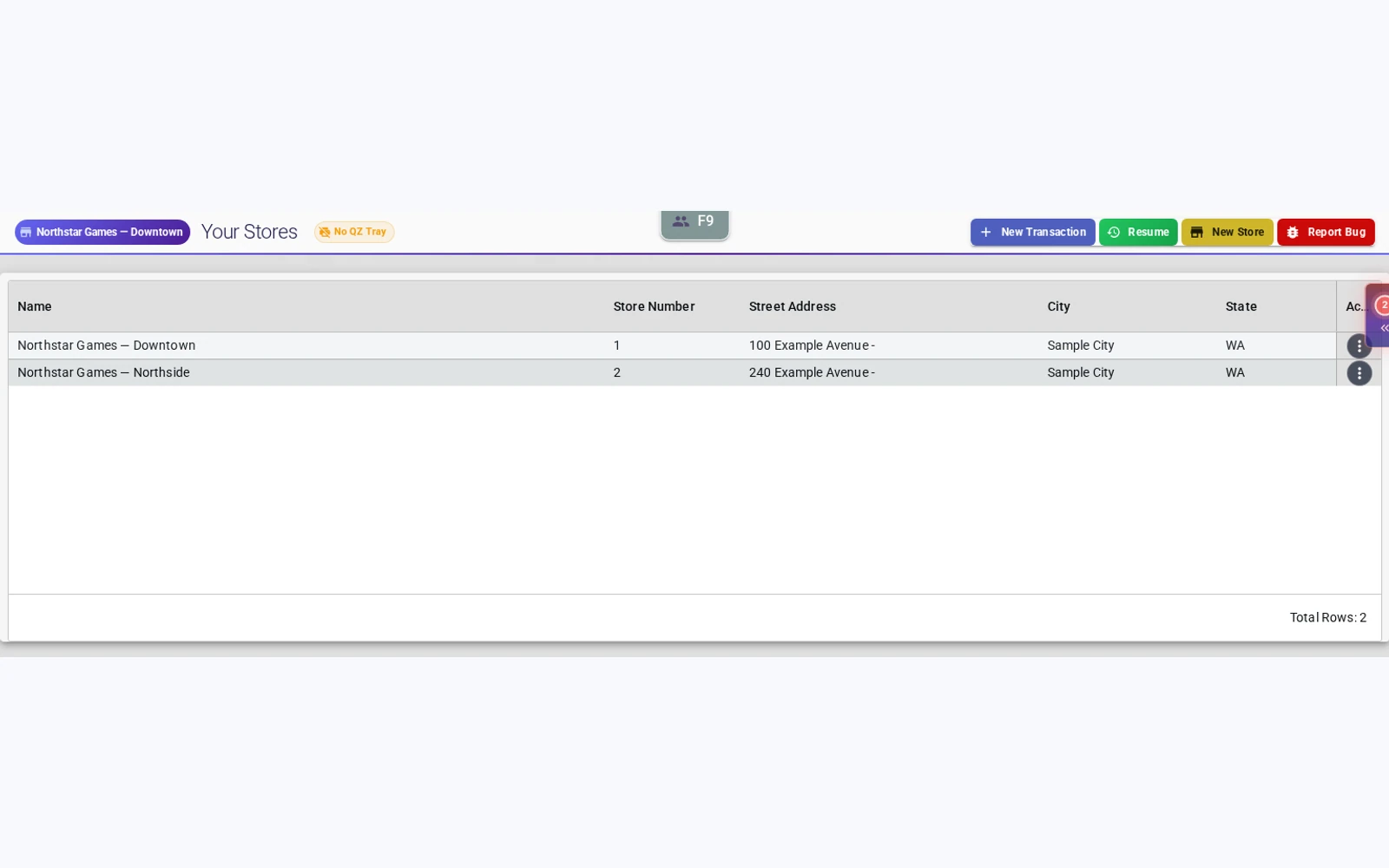
Receive stock with the details intact
Review incoming items, quantities, cost and selling price. Record condition and optional subquality before approving the invoice and importing stock.
Explore invoice intake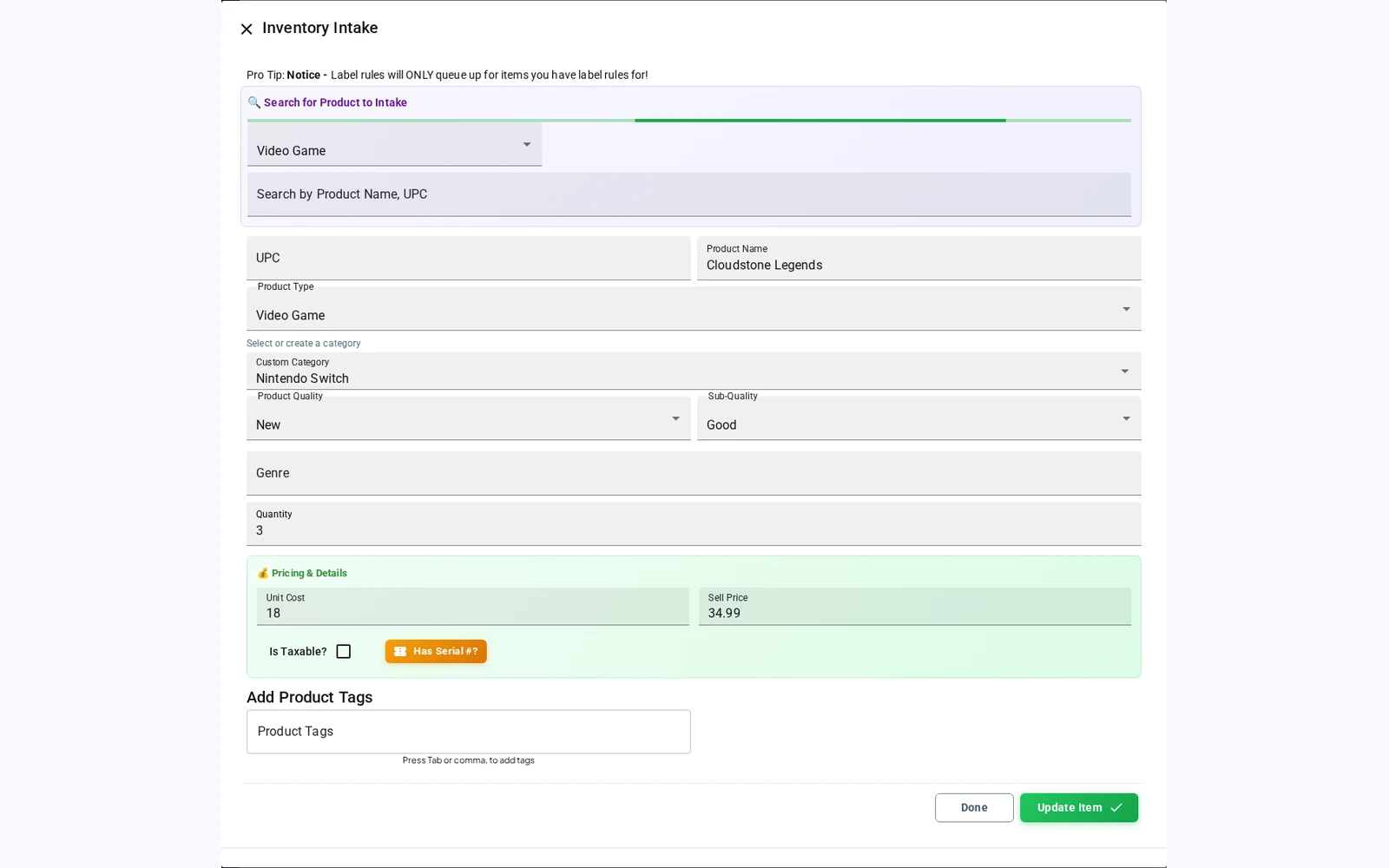
Plan the next in-store sale
Schedule discounts for selected product types, categories, conditions or tags. Give the event a start and end date, with the most specific matching rule determining the discount.
Explore scheduled in-store sales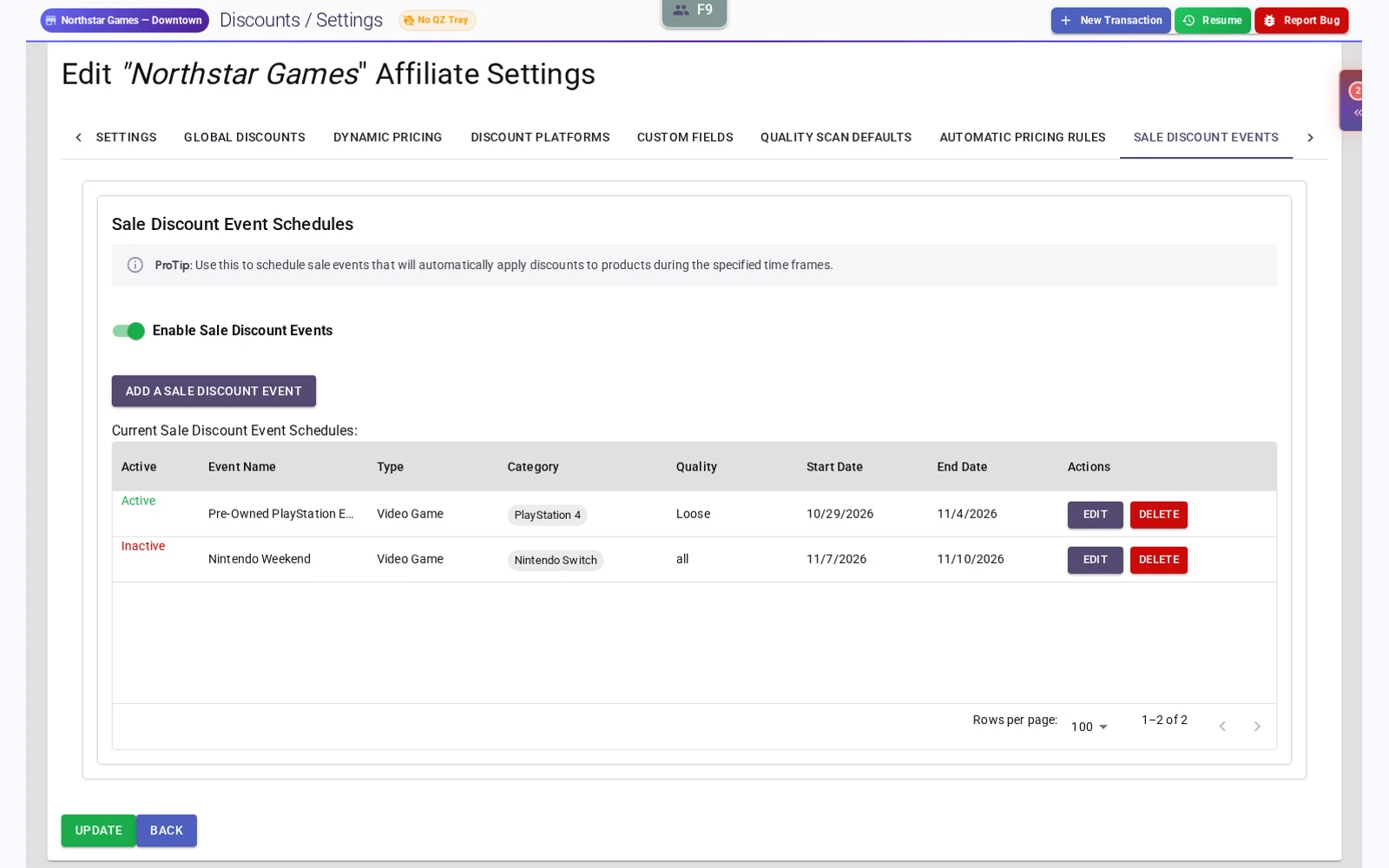
Remember what they are looking for
Record interest in out-of-stock products. Where SMS is configured, restock alerts can bring a wanted game back into the conversation. An alert does not reserve the item.
See customer accounts and wishlists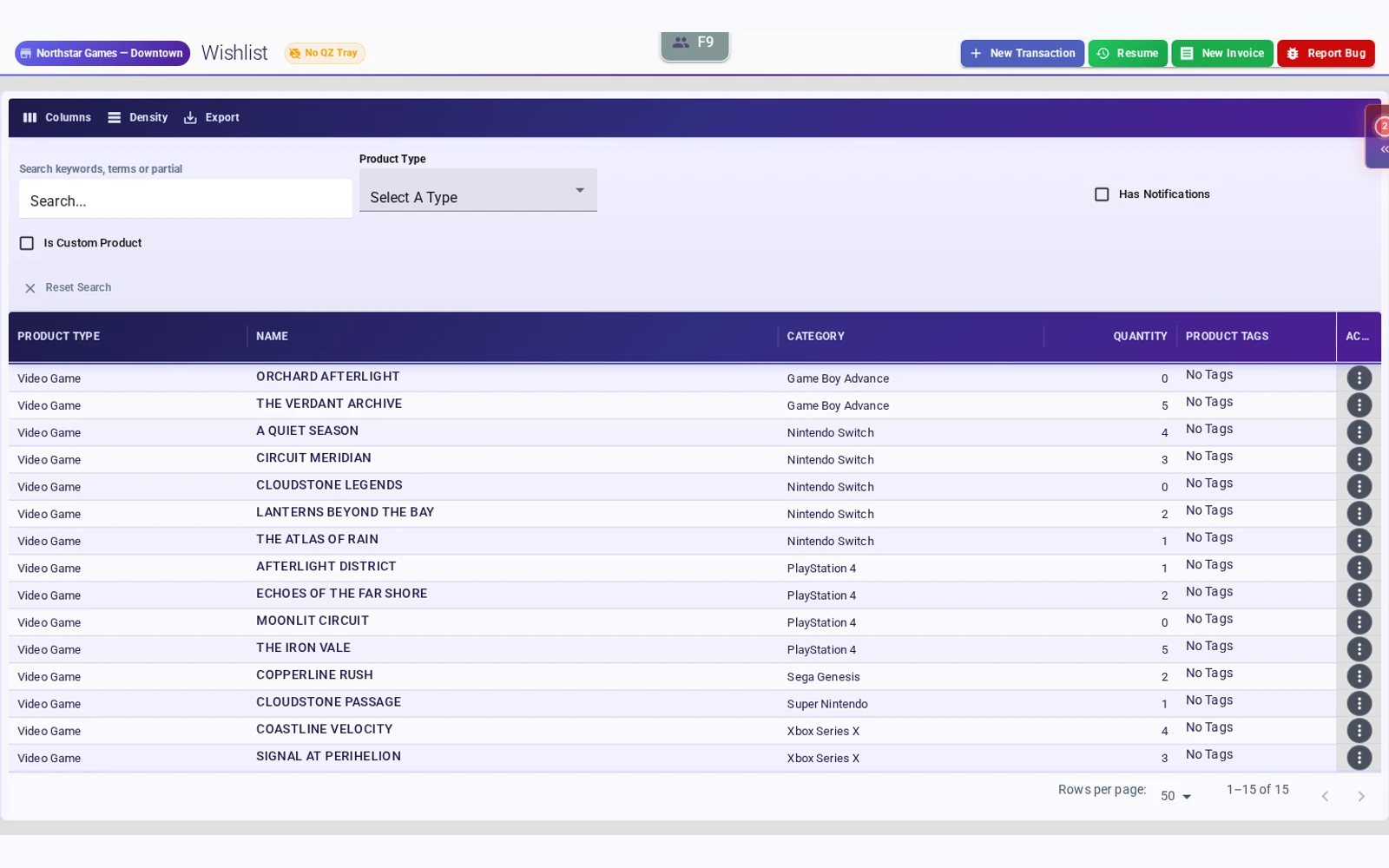
Keep upcoming purchases connected
Handle preorders and review them from the customer profile, alongside repair records and searchable transaction history.
See preorders in a demo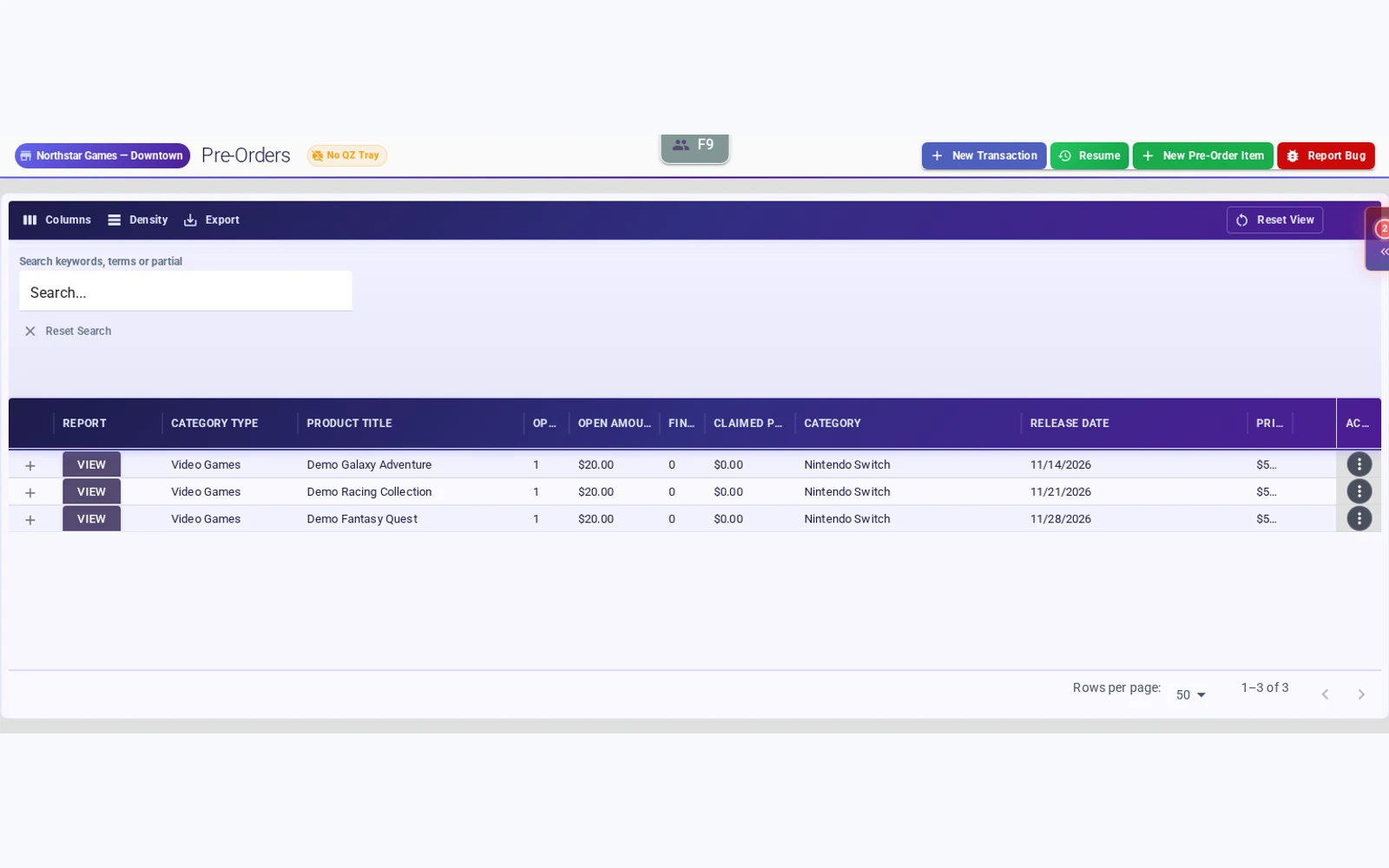
Included in your subscription
The integrations belong in the plan.
Shopify integration and Square Terminal integration are included, alongside free migration support. Square processing fees and hardware costs may apply.
Request pricingSwitch with a plan for your data.
Start with what you use today, what you can export and what your team needs to keep working. We will review the migration scope and cutover steps with you before you switch.
Label compatibility, historical records and balances need review against your source data.
Plan your move to FulcrumPut your busiest counter scenario through Fulcrum.
Tell us how your store buys, sells and trades. We will build the demo around the decisions your staff makes every day.